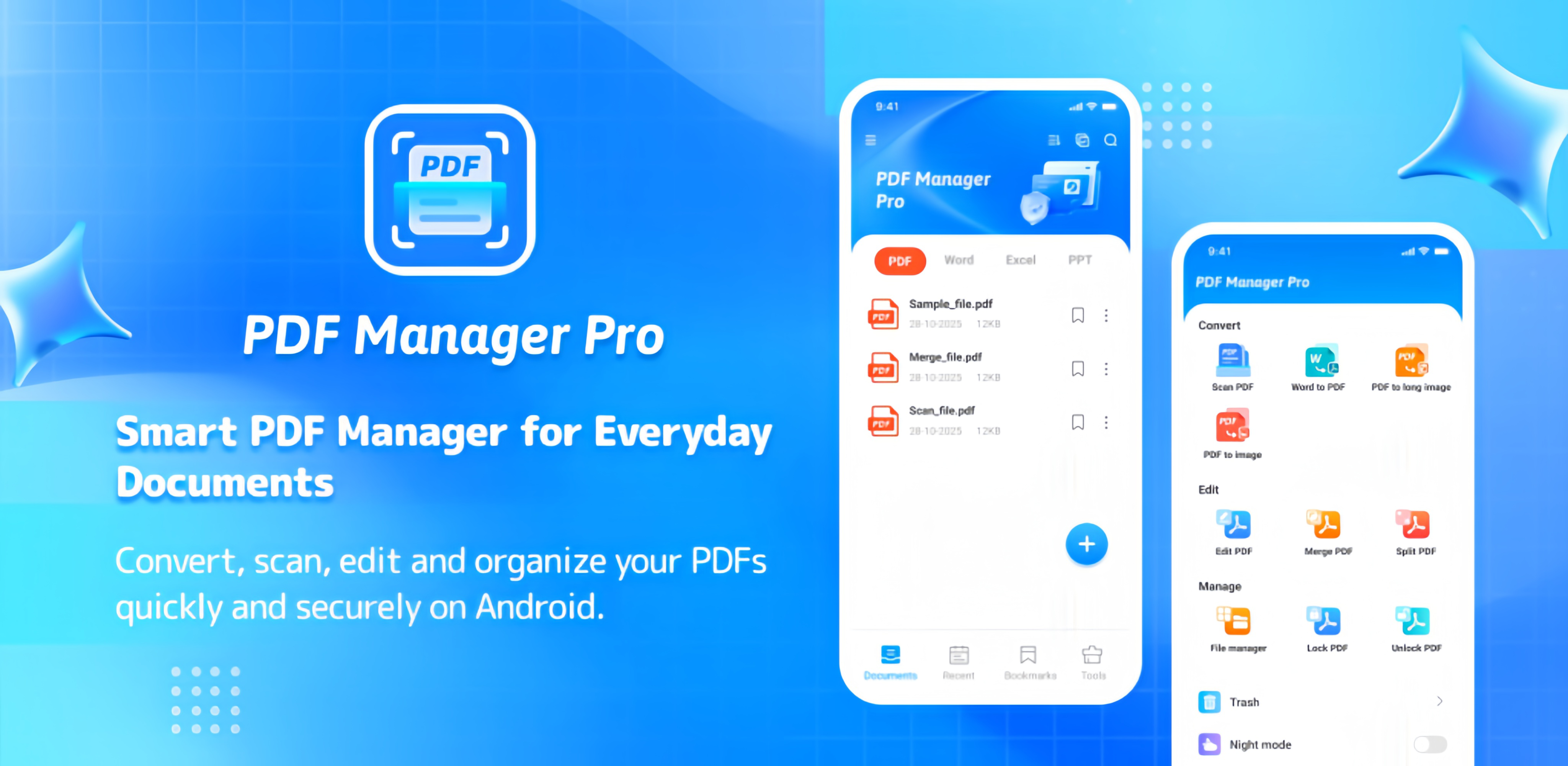
6 core features in one app to meet all PDF needs
Turn scanned docs into editable text with 99% accuracy
Seamless file sync across mobile and desktop devices
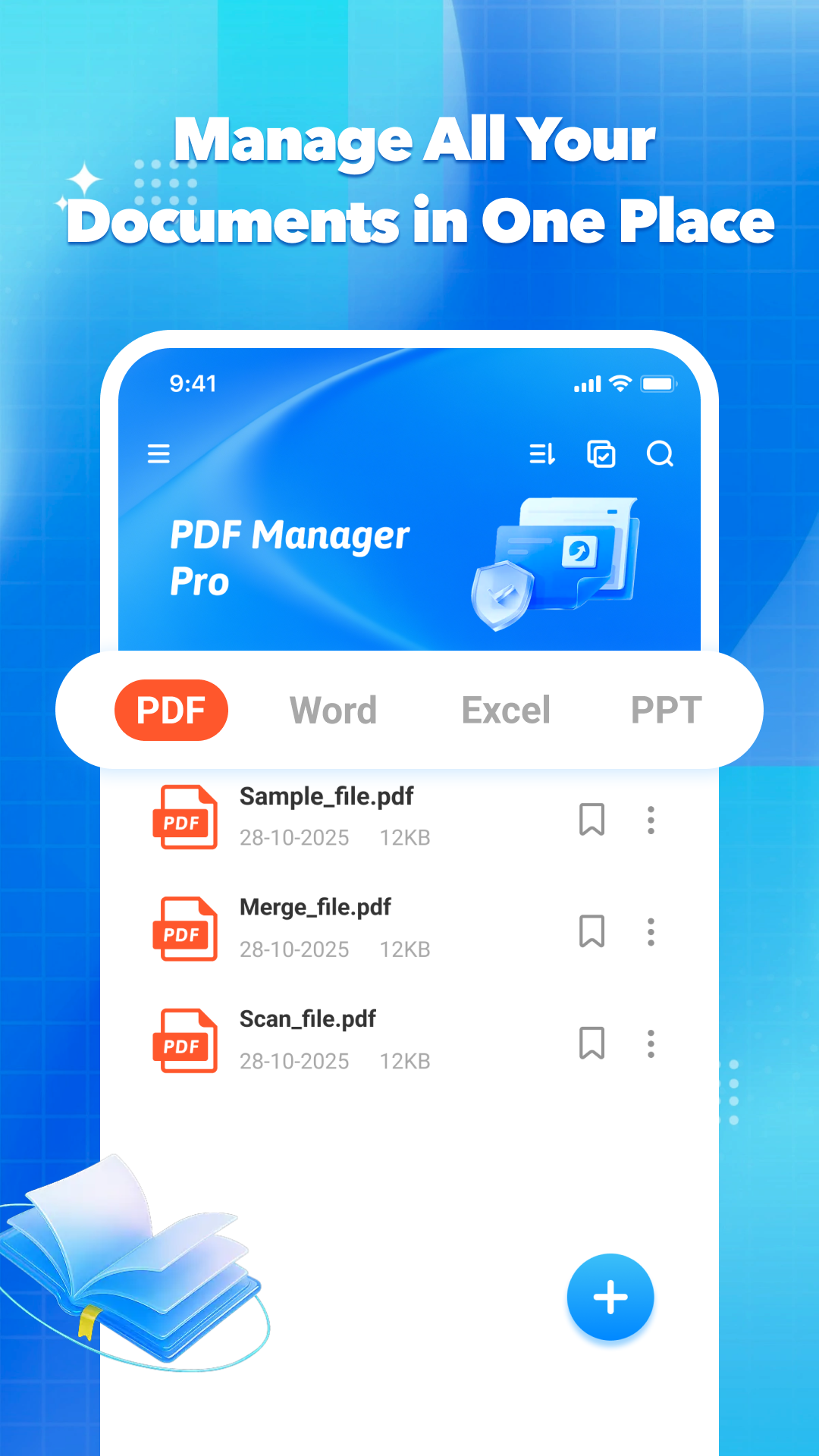
Auto-categorize files by type
Quick search and tag management
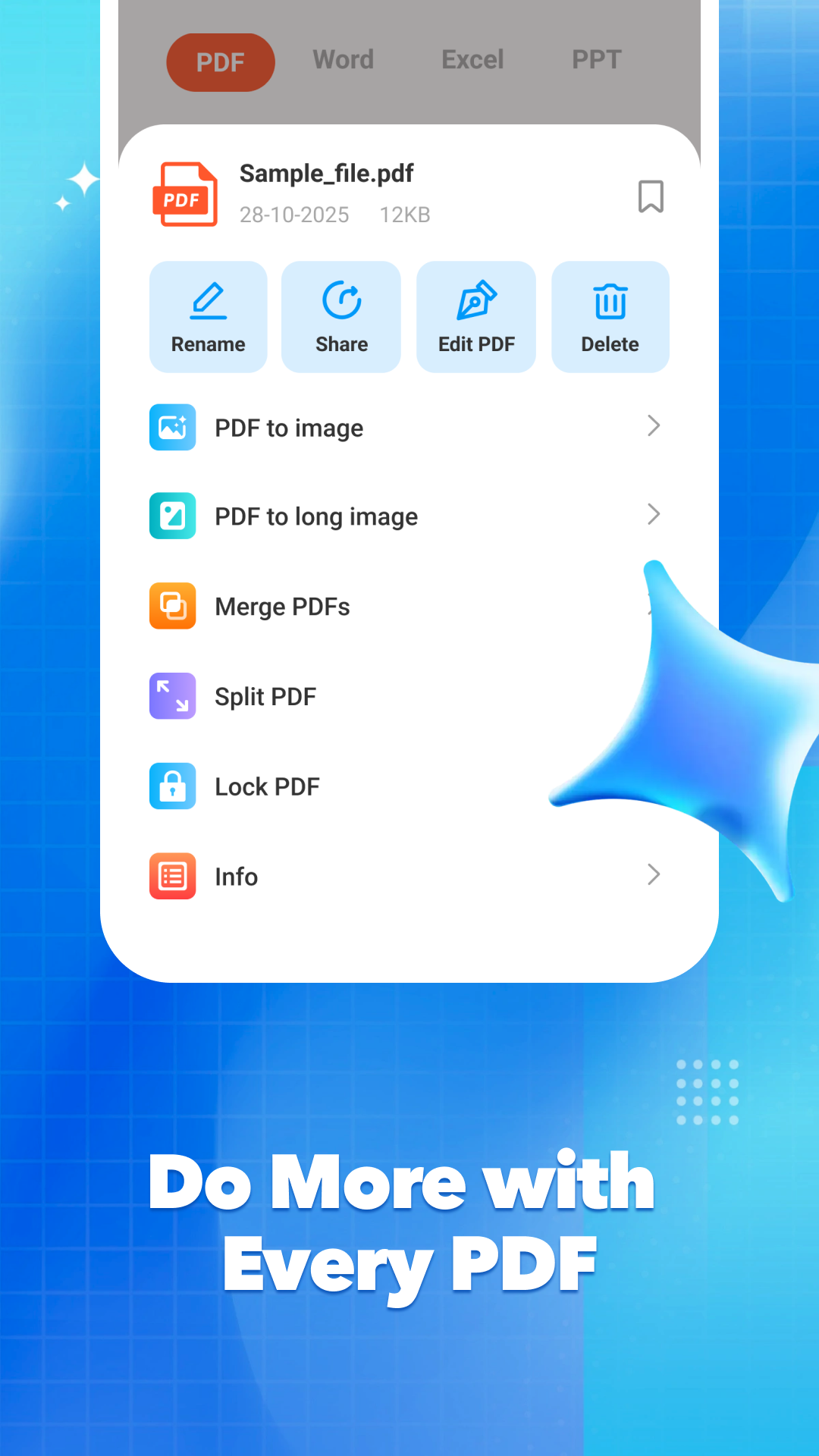
Merge/split PDFs with one click
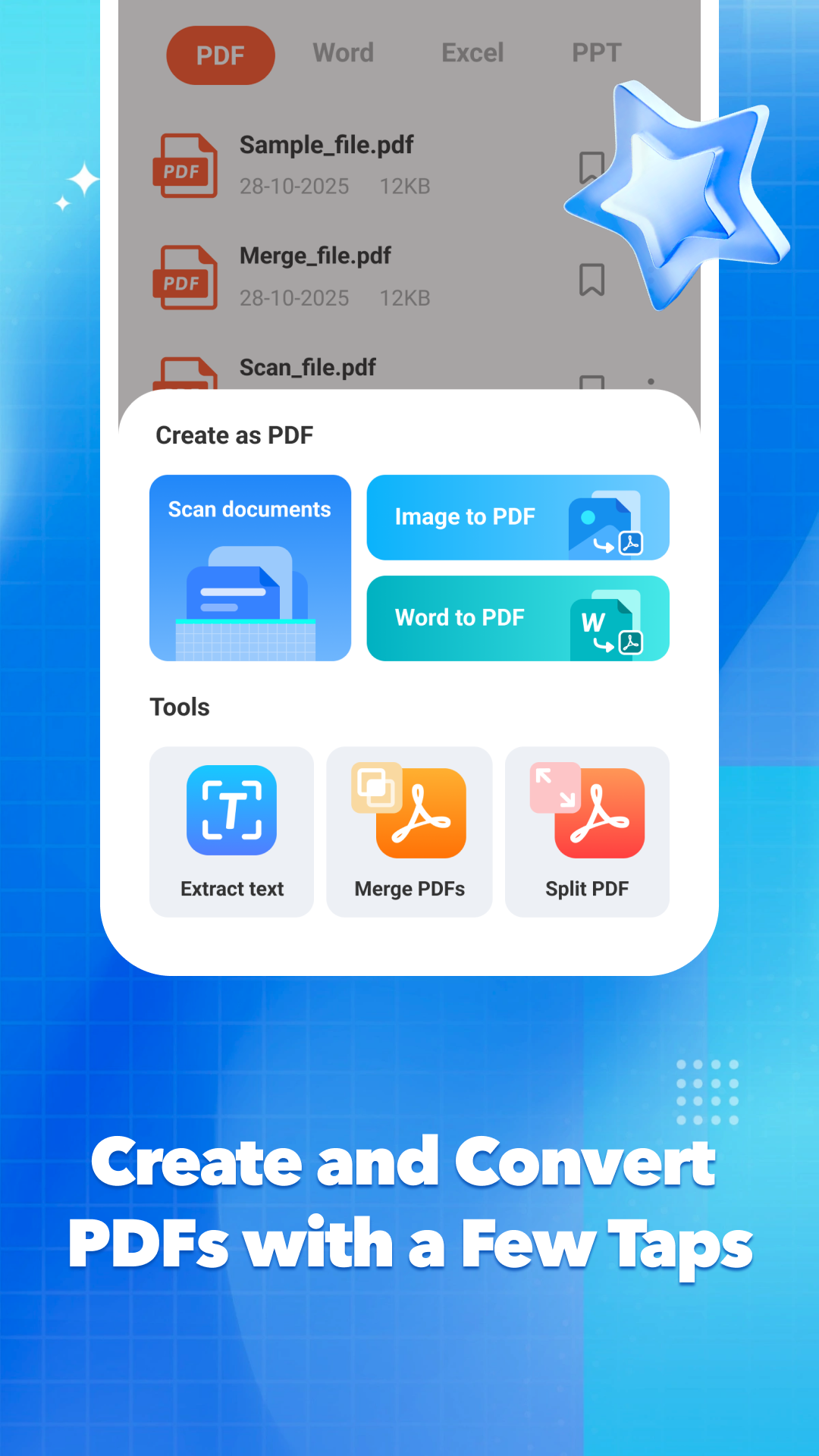
Convert multiple formats to PDF
PDF to Word/Excel/Image without distortion
Batch conversion doubles efficiency
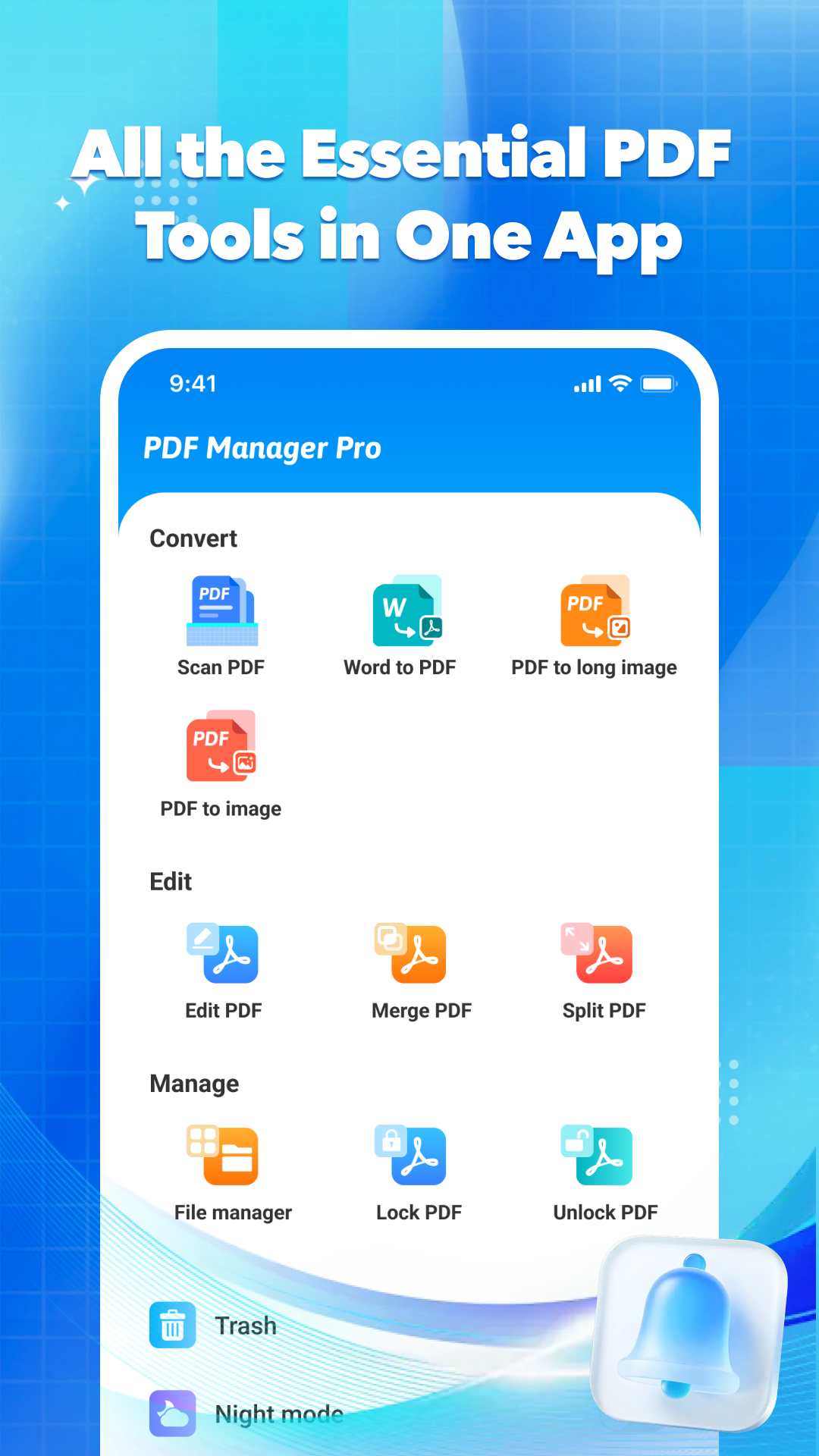
Edit/annotate/watermark/encrypt
Page reorganization & numbering
No need to switch between apps
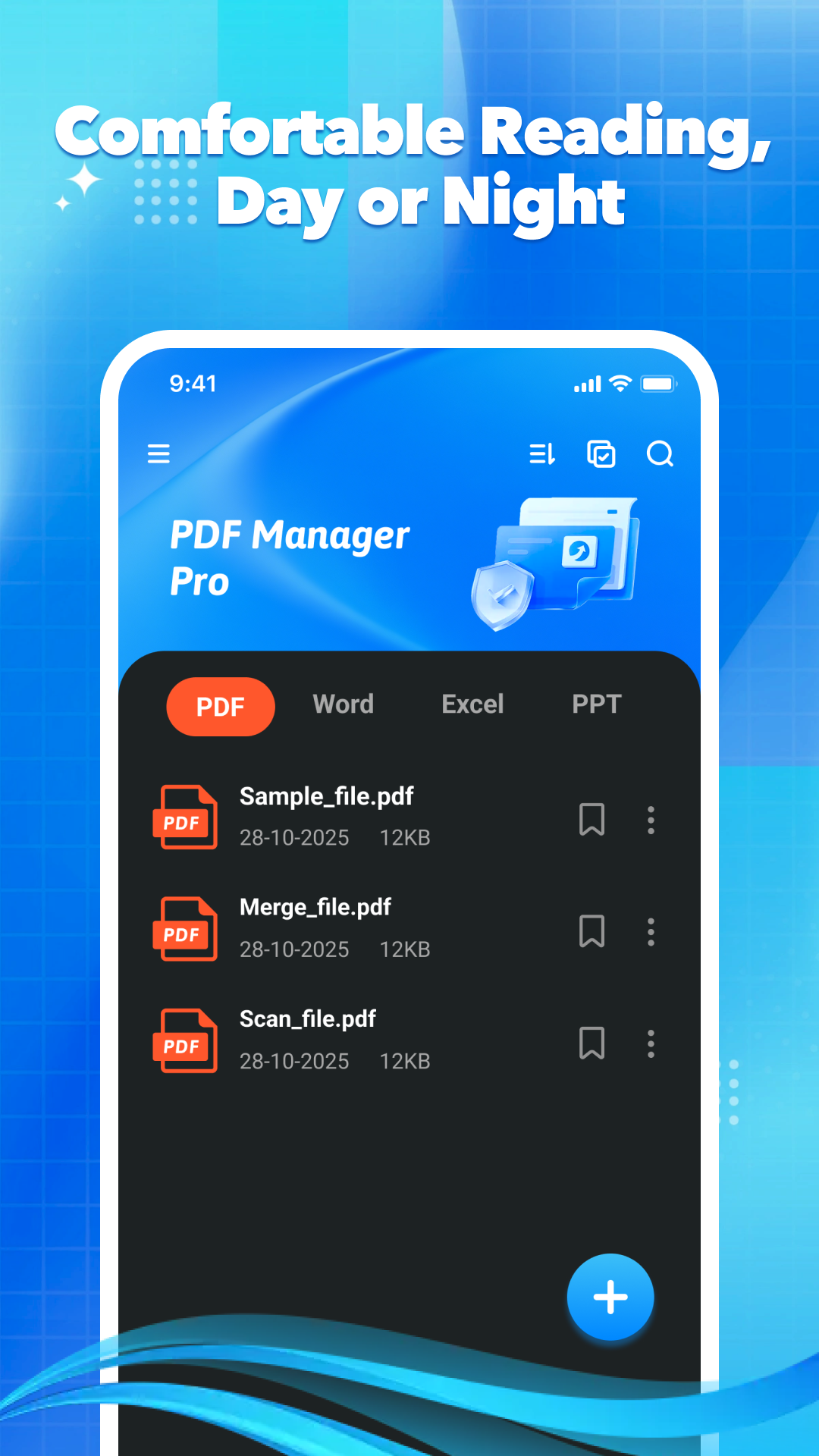
Custom brightness & contrast
Eye-care mode reduces fatigue
Custom background & font size
Auto edge cropping & quality enhancement
Enhanced OCR for accurate text extraction
Batch scanning to generate PDFs
Generate share links/QR codes
Share via WeChat/Email/Cloud Drive
Custom share permissions & expiration
| Pain Points of Traditional PDF Tools | Our Solutions |
|---|---|
| Format distortion after conversion | Self-developed layout engine with 99.8% restoration rate |
| Uneditable scanned documents | Enhanced OCR technology for accurate text/image extraction |
| Unsynchronized files across devices | Cloud storage for seamless mobile/desktop sync |
| Eye strain in night reading | Adjustable night mode with custom eye-care settings |
| Unsafe file sharing | Controllable share permissions with expiration dates |
| Dispersed features across multiple apps | 6 core features integrated in one app |
「As an international trade manager, I handle English contracts daily. The PDF to Word and night mode are incredibly useful - no more eye strain when working overtime at night!」
「A must-have for students! Scan course materials, annotate key points directly, and the night mode is perfect for studying in the dorm with the lights off. Sharing with classmates is super easy too!」
「The enterprise version's file management is fantastic. All contracts are centralized, with scanning, conversion, and sharing all in one place - efficiency increased by 50%!」